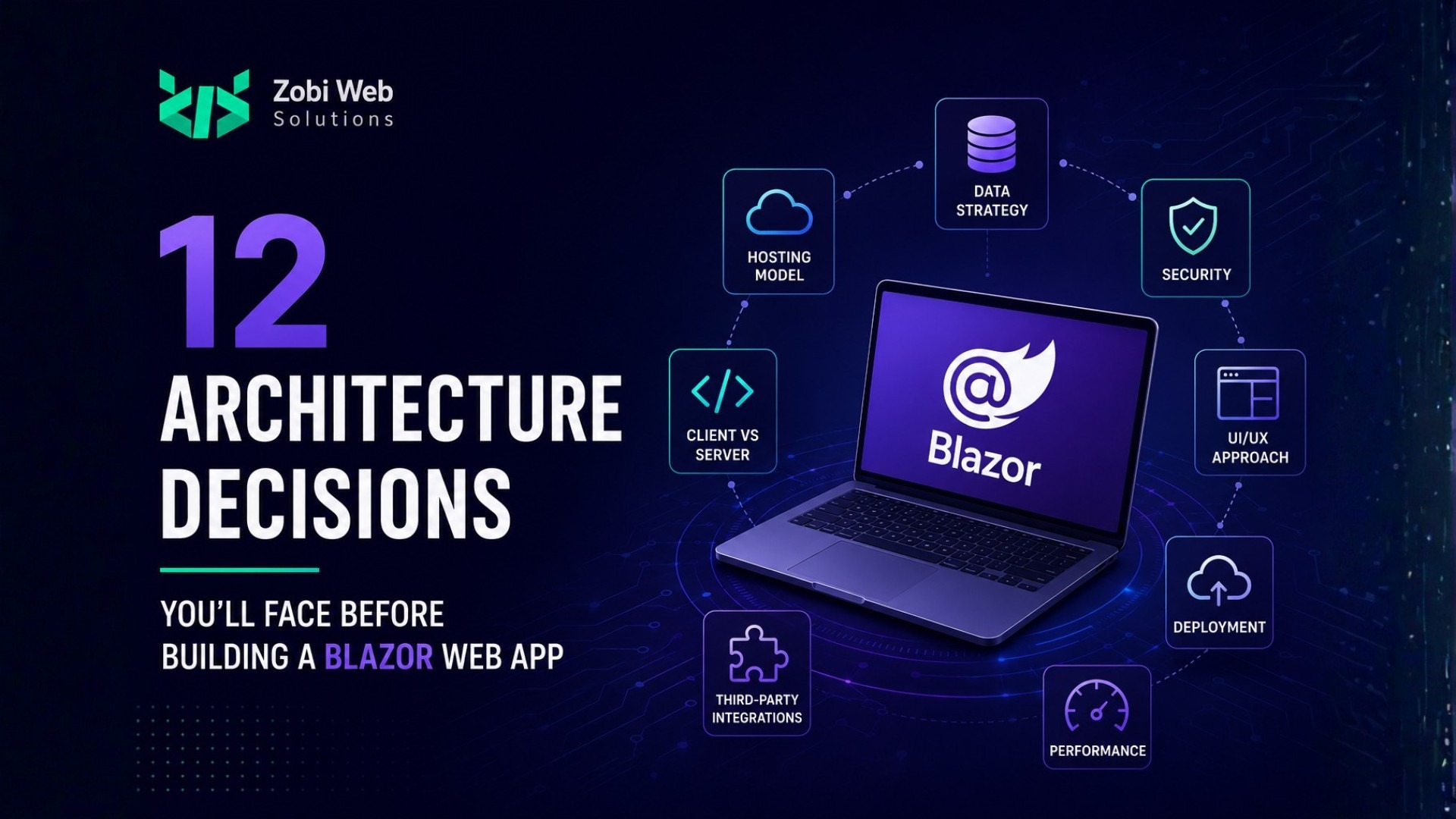
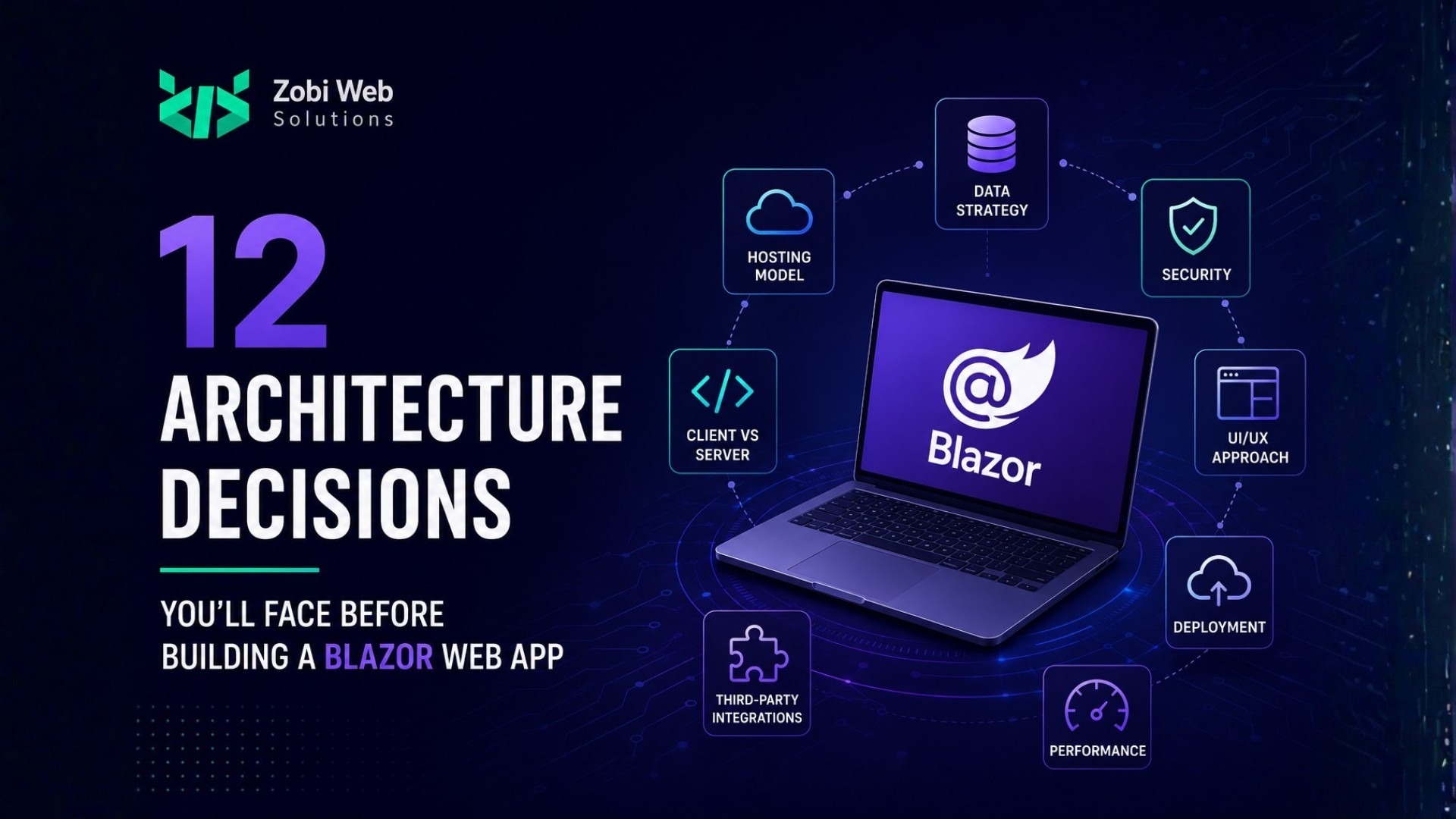
Why Architecture Matters More Than the Framework You Choose
Choosing the right framework is an important decision, but it rarely determines whether a web application succeeds. More often than not, long-term success depends on the architectural choices made before development begins. Teams that rush into coding without a clear plan frequently encounter performance bottlenecks, maintenance challenges, security gaps, and costly redesigns as their applications grow.
Blazor framework has matured into a powerful platform for building modern business applications. With Microsoft’s continued investment in .NET and Blazor Web Apps, organisations can now develop interactive, secure, and scalable applications using C# across both the frontend and backend. This unified development model reduces complexity while improving productivity.
Is Blazor the Right Choice for Your Business Application?
Not every application has the same technical requirements, which means there is no universal “best” framework. Before writing a single line of code, ask whether Blazor aligns with your business goals, team expertise, and long-term roadmap.
Blazor is particularly well suited for:
- Enterprise web applications
- Customer and employee portals
- Business process automation
- SaaS platforms
- Internal dashboards
- Applications already built on the Microsoft ecosystem
Because Blazor allows developers to use C# throughout the entire application, teams can reduce context switching between JavaScript and .NET. Existing business logic, validation, and shared libraries can often be reused, simplifying development and long-term maintenance.
A common question we hear is Blazor vs React. React remains an excellent choice for highly interactive public-facing applications with extensive JavaScript ecosystems. However, organisations already invested in .NET often find that Blazor offers a more streamlined development experience, particularly for enterprise software where maintainability, security, and developer productivity are priorities.
The right decision isn’t about following trends; it’s about selecting the framework that best supports your business objectives.
Choosing the Right Blazor Rendering Model for Your Project
Not every application has the same technical requirements, which means there is no universal “best” framework. Before writing a single line of code, ask whether Blazor aligns with your business goals, team expertise, and long-term roadmap.
Blazor is particularly well suited for:
- Enterprise web applications
- Customer and employee portals
- Business process automation
- SaaS platforms
- Internal dashboards
- Applications already built on the Microsoft ecosystem
Because Blazor allows developers to use C# throughout the entire application, teams can reduce context switching between JavaScript and .NET. Existing business logic, validation, and shared libraries can often be reused, simplifying development and long-term maintenance.
A common question we hear is Blazor vs React. React remains an excellent choice for highly interactive public-facing applications with extensive JavaScript ecosystems. However, organisations already invested in .NET often find that Blazor offers a more streamlined development experience, particularly for enterprise software where maintainability, security, and developer productivity are priorities.
The right decision isn’t about following trends; it’s about selecting the framework that best supports your business objectives.
Designing an Architecture That Can Scale with Your Business
Many applications perform well during their first few months. The real challenge begins when new features, additional users, third-party integrations, and growing datasets start increasing complexity.
Scalable architecture isn’t about preparing for millions of users on day one; it’s about making decisions today that won’t become obstacles tomorrow.
Questions worth considering include:
- Will your application support multiple business locations?
- Could new customer portals be introduced later?
- Will mobile applications consume the same APIs?
- Are future integrations with ERP, CRM, or payment systems likely?
Thinking ahead allows you to build flexible service boundaries, modular features, and infrastructure that can evolve without requiring major rewrites.
For businesses investing in enterprise web application development, scalability should be viewed as an architectural strategy rather than simply adding more servers.
Planning Your Solution Structure Before Writing the First Line of Code
A well-organised solution makes every future enhancement easier.
One of the most common mistakes in software projects is allowing application layers to become tightly coupled. Business logic slowly spreads into UI components, data access becomes difficult to replace, and even small changes introduce unexpected bugs.
Instead, establish a clear project structure from the beginning.
Many experienced teams adopt patterns such as:
- Clean Architecture
- Vertical Slice Architecture
- Feature-based organisation
- Modular Monoliths for growing applications
Each approach has advantages depending on the project’s size and complexity, but they all share one objective: separating responsibilities so that individual parts of the application are easier to understand, test, and maintain.
At Zobi Web Solutions, we treat architecture planning as a critical phase of every Blazor web app development project. Investing time in the right structure early often reduces technical debt, simplifies testing, and enables faster feature delivery throughout the application’s lifecycle.
Rather than asking, “How quickly can we build this?” we encourage businesses to ask, “How easily can this application evolve over the next five years?” That shift in thinking often leads to better technology decisions and significantly lower long-term development costs.
Separating Business Logic from the User Interface
As Blazor applications grow, it’s tempting to place business rules directly inside components. While this might speed up early development, it quickly becomes difficult to maintain. UI components should focus on displaying information and handling user interactions, not validating business rules, managing workflows, or communicating directly with databases.
A better approach is to move business logic into dedicated services or application layers. This separation makes your code easier to test, reuse, and update without affecting the user interface.
For example, if pricing rules or approval workflows change, developers should need to update only the business layer rather than modify multiple UI components. This approach reduces duplication and keeps your application organised as new features are added.
Maintaining clear boundaries between presentation, business logic, and data access is one of the most valuable architectural decisions you can make for long-term maintainability.
Deciding How Your Blazor Application Will Communicate with Data and Services
Your application’s communication strategy affects far more than data retrieval; it influences scalability, security, integration capabilities, and future expansion.
Many enterprise applications rely on:
- REST APIs
- Minimal APIs
- GraphQL
- Third-party integrations
- Microservices
- Legacy enterprise systems
Even if your first release includes only a Blazor frontend and a single database, designing with APIs in mind provides flexibility for future requirements, such as mobile applications, partner integrations, or external customer portals.
Rather than tightly coupling the UI to the database, expose business capabilities through well-designed service layers. This allows different applications to consume the same functionality without duplicating business logic.
For organisations investing in enterprise web solutions, an API-first mindset often pays dividends as business requirements evolve.
Building Authentication and Authorisation That Grows with Your Application
Security shouldn’t be treated as a feature added near the end of development. It should influence architectural decisions from the very beginning.
Before development starts, consider questions such as:
- Who will access the application?
- Will there be multiple user roles?
- Will customers, employees, and administrators have different permissions?
- Will external identity providers like Microsoft Entra ID or Google Sign-In be required?
Authentication verifies user identity, while authorisation determines what users are allowed to do. Mixing these concerns often leads to unnecessary complexity and security risks.
Blazor integrates seamlessly with the ASP.NET Core security ecosystem, allowing organisations to implement robust authentication and authorisation models while maintaining a consistent development experience.
For businesses handling sensitive customer or operational data, building security into the application’s architecture is significantly more effective than retrofitting it later.
Creating Reusable Components Instead of Repeating Code
One of Blazor’s greatest strengths is its component-based architecture, but simply creating components isn’t enough. The goal is to design components that are reusable, flexible, and easy to maintain.
Instead of creating multiple versions of similar forms, tables, or dashboards, consider building a shared component library with configurable behaviours. This creates consistency across the application while reducing development time for future features.
Reusable components also make collaboration easier across development teams. New functionality can often be assembled from existing building blocks rather than developed from scratch.
For companies planning multiple products or internal systems, investing in reusable UI components can significantly improve long-term productivity and consistency.
Making Performance Decisions Early Instead of Fixing Problems Later
Performance shouldn’t be optimised only after users begin reporting issues. Many performance problems originate from architectural decisions made during the planning stage.
Some areas worth considering include:
- Efficient rendering strategies
- Lazy loading where appropriate
- Data virtualisation for large datasets
- Intelligent caching
- Optimised API communication
- Reducing unnecessary component re-rendering
Another consideration is choosing the right rendering model for each part of the application. Not every page requires the same level of interactivity, and modern Blazor allows developers to tailor rendering strategies to different user experiences.
AI-assisted development tools have also begun changing how development teams approach optimisation. Rather than replacing experienced developers, AI helps identify potential bottlenecks, suggest improvements, generate repetitive code, and accelerate testing. Combined with experienced architectural oversight, these tools can shorten development cycles while maintaining code quality.
At Zobi Web Solutions, we view AI as an accelerator, not a replacement for engineering expertise. Our senior developers use AI-powered development tools to automate repetitive tasks, validate implementation patterns, and prototype features more efficiently, freeing up time to focus on architecture, performance, and complex business challenges. This balanced approach enables us to deliver Blazor development services that are faster, more consistent, and better aligned with each client’s long-term objectives.
Preparing Your Blazor Application for Cloud Deployment and Scalability
A successful launch is just the beginning. As your user base grows, your application should be able to handle increased traffic, new features, and evolving business requirements without major architectural changes.
Before development begins, think about where your application will be hosted and how it will scale. Whether you’re deploying on Microsoft Azure, AWS, or another cloud platform, your infrastructure should support automated deployments, load balancing, monitoring, and disaster recovery.
It’s also worth planning your CI/CD (Continuous Integration and Continuous Deployment) pipeline early. Automated testing and deployment not only reduce manual effort but also help deliver updates faster with greater confidence.
A cloud-ready architecture gives your business the flexibility to grow without having to rebuild the application every time requirements change.
Designing for Security, Monitoring, and Long-Term Maintenance
Building the application is only part of the journey. Keeping it secure, reliable, and maintainable over the coming years is equally important.
A well-designed Blazor application should include:
- Centralized logging
- Performance monitoring
- Exception handling
- Dependency management
- Security updates
- Health monitoring
- Regular code reviews
These practices help development teams identify issues before they affect users and simplify ongoing maintenance.
Long-term success also depends on documentation and coding standards. Clear architecture documentation makes onboarding new developers easier and reduces the risk of knowledge becoming isolated within a single team member.
When evaluating a Blazor or ASP. NET development company, consider how they approach maintenance after deployment, not just how quickly they can deliver the first release.
Future-Proofing Your Blazor Application for .NET Updates and Business Growth
Technology evolves quickly, and your application should be designed to evolve with it.
Microsoft continues to invest heavily in the Blazor framework, introducing new rendering capabilities, performance improvements, and productivity enhancements with each .NET release. Applications built with clean, modular architectures are far easier to upgrade than those with tightly coupled codebases.
Future-proofing also means preparing for business growth. New integrations, AI capabilities, reporting modules, customer portals, or mobile applications shouldn’t require rebuilding your entire system.
The goal isn’t to predict every future requirement; it’s to create an architecture flexible enough to accommodate change with minimal disruption.
Common Architecture Mistakes That Delay Blazor Projects
Many project delays have little to do with Blazor itself. Instead, they stem from architectural decisions that were overlooked during planning.
Some of the most common mistakes include:
- Choosing a rendering model without understanding its long-term impact.
- Mixing business logic directly into Blazor components.
- Building tightly coupled applications that are difficult to scale.
- Ignoring API design until third-party integrations become necessary.
- Treating performance optimisation as a post-launch activity.
- Underestimating authentication, authorisation, and security requirements.
- Starting development without a clear deployment or monitoring strategy.
Avoiding these pitfalls early often saves significant time, cost, and technical debt later in the project.
Blazor Architecture Checklist Before You Start Development
Before your development team writes the first line of code, make sure you’ve answered these questions:
- Is Blazor the right framework for your business goals?
- Have you selected the most suitable rendering model?
- Does your application architecture support future growth?
- Have you chosen a maintainable solution structure?
- Is your business logic separated from the UI?
- Is your API strategy clearly defined?
- Have authentication and authorisation been planned?
- Are reusable components part of your design approach?
- Have you considered performance from day one?
- Is your cloud deployment strategy finalised?
- Do you have monitoring and maintenance processes in place?
- Is the application designed for future .NET upgrades?
If several of these questions remain unanswered, it’s worth investing time in architecture planning before development begins.
Frequently Asked Questions
Is Blazor suitable for enterprise web applications?
Yes. Blazor is well suited for enterprise applications that require strong security, scalability, and seamless integration with the Microsoft .NET ecosystem. It’s an excellent choice for internal systems, customer portals, SaaS platforms, and business process automation.
Which Blazor rendering model should I choose?
The answer depends on your application’s requirements. Interactive Server, Interactive WebAssembly, Interactive Auto, and Static SSR each have different strengths. Selecting the right model should be based on user experience, scalability, hosting requirements, and application complexity.
Is Blazor better than React for business applications?
Neither framework is universally better. React offers a mature JavaScript ecosystem, while Blazor enables full-stack development with C# and .NET. For organisations already invested in Microsoft technologies, Blazor often provides a more unified and maintainable development experience.
Should I hire a Blazor development company?
If you’re building a business-critical application, working with an experienced team can reduce architectural risks, improve code quality, and accelerate delivery. A specialised partner can also help validate technology decisions before development begins.
How can Zobi Web Solutions help with Blazor development?
At Zobi Web Solutions, we help businesses plan, design, and build secure, scalable Blazor applications that align with long-term business objectives. From architecture consulting and enterprise web application development to modernisation and ongoing support, our team focuses on creating maintainable software built for growth.
Great Blazor Applications Start with Great Architecture
The success of a Blazor project isn’t determined by how quickly development begins; it’s determined by the quality of the decisions made before it starts.
Choosing the right rendering model, structuring your solution properly, designing secure APIs, planning for scalability, and preparing for future growth all contribute to an application that remains reliable and maintainable for years to come.
Whether you’re developing a new enterprise platform or modernising an existing .NET application, investing in architecture early can significantly reduce future costs while improving long-term outcomes.
Partner with Zobi Web Solutions
Building a successful Blazor application requires more than choosing the right framework; it requires thoughtful architecture, experienced engineering, and a clear understanding of your business goals.
At Zobi Web Solutions, we specialise in Blazor web app development, enterprise web solutions, and custom .NET applications that are designed for performance, scalability, and long-term maintainability. As a trusted web app development company and ASP.NET development company, we help businesses make confident technology decisions before development begins, reducing risk and setting projects up for long-term success.
If you’re planning a new Blazor application or evaluating an existing one, we’d be happy to help. Schedule a free Blazor architecture consultation with our team to discuss your goals, review your technical approach, and identify opportunities to build a more scalable and future-ready solution.